Dark Mode
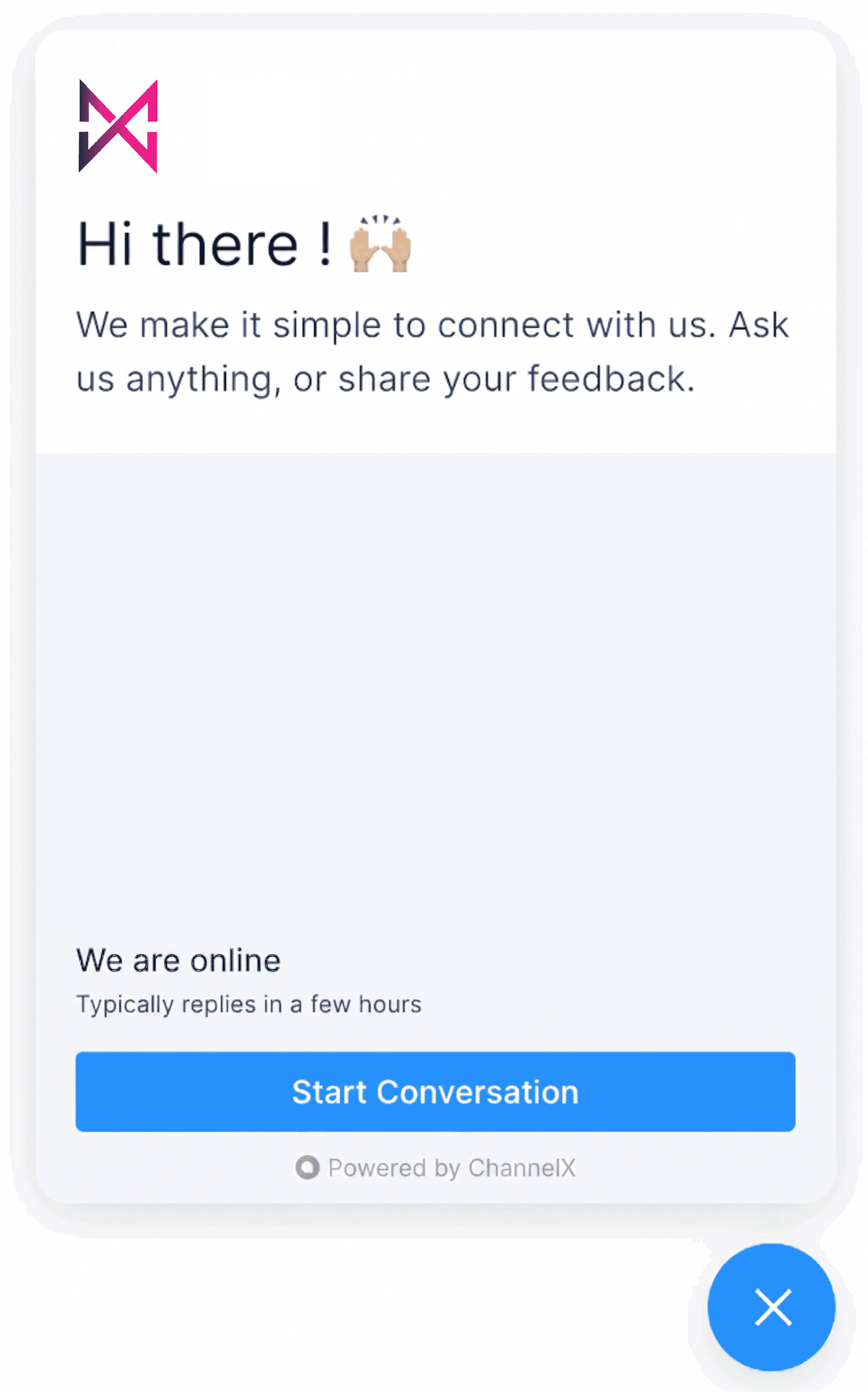
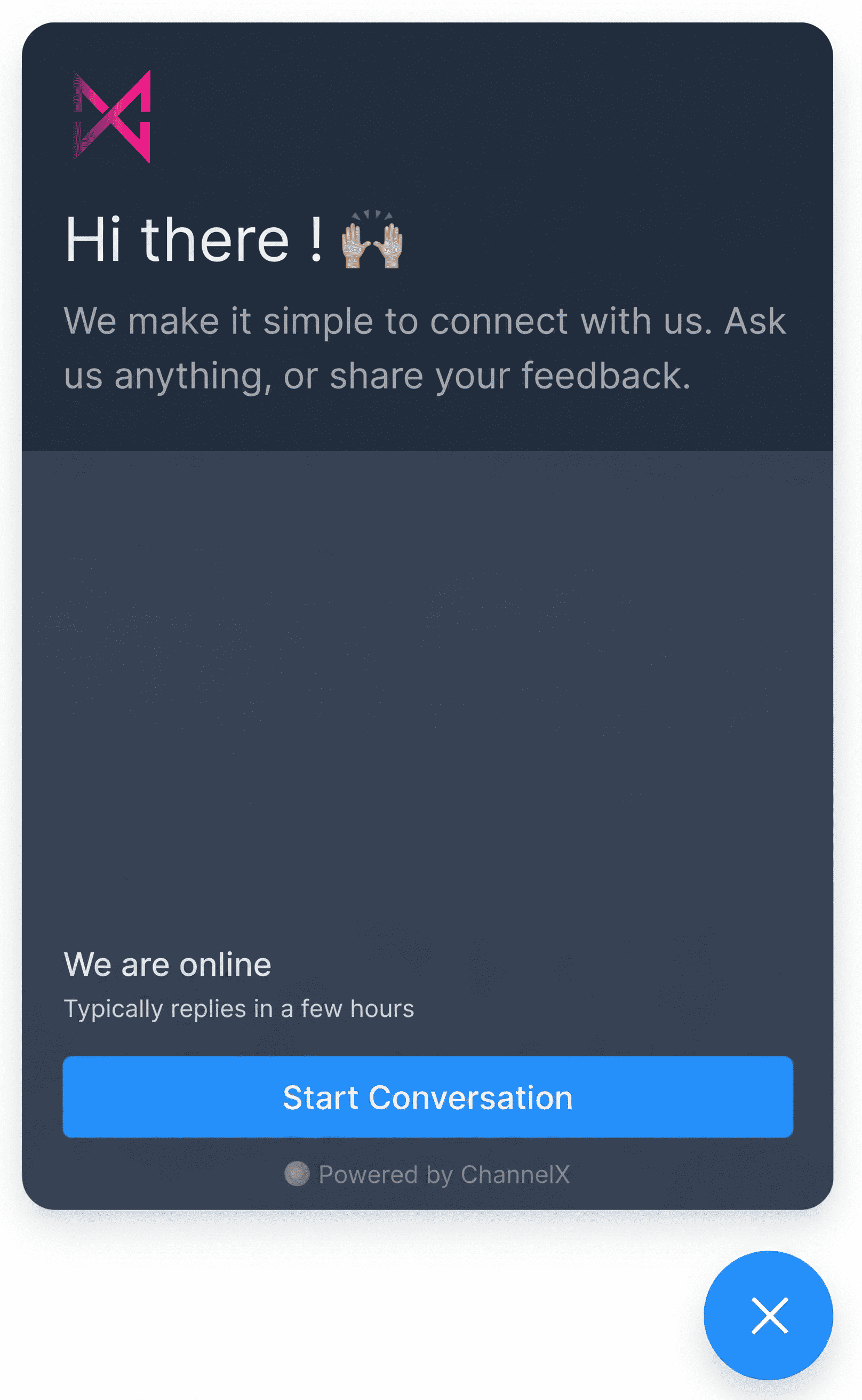
Many websites let visitors switch between light and dark themes, so a chat widget that matches looks far more at home. The ChannelX live chat widget supports dark mode, and turning it on takes a single setting.
Enabling dark mode
Add the darkMode parameter to your channelxSettings:
window.channelxSettings = {
  // ...other settings
  darkMode: "auto",
};
The darkMode parameter accepts two values:
| Value | Behavior |
|---|---|
light |
Light mode only. This is the default. |
auto |
Follows the visitor's operating system preference, switching to dark when their OS is in dark mode. |
Note
A forced dark-only value isn't available — use auto to follow the visitor's system setting, or light to keep the widget light at all times.
Common questions
Why doesn't the widget switch to dark even with darkMode: "auto"?
auto follows the operating system theme. If the visitor's OS is set to light mode, the widget stays light. Switch the OS to dark to see the change.
Can I force the widget to always be dark?
Not currently. The supported values are light and auto.