Instagram
Connect a Business Instagram account to ChannelX so that Instagram direct messages arrive as conversations in your shared inbox. ChannelX supports two authentication methods, and a human agent tag that lets you reply beyond the standard messaging window.
Before you start
You need a Business Instagram account. If you don't have one yet, convert your account in the Instagram app first.
Tip
Instagram Business Login is the recommended method. It is simpler to configure and provides a better experience than connecting through Facebook Login. Use Instagram Business Login unless you have a specific reason to use Facebook Login.
Note
On a self-hosted deployment, your administrator must register the appropriate Instagram or Facebook app before either flow will work. Confirm with your Localcom team that the channel is configured for your installation.
Connect via Instagram Business Login (recommended)
- Go to Settings → Inboxes → Add Inbox.
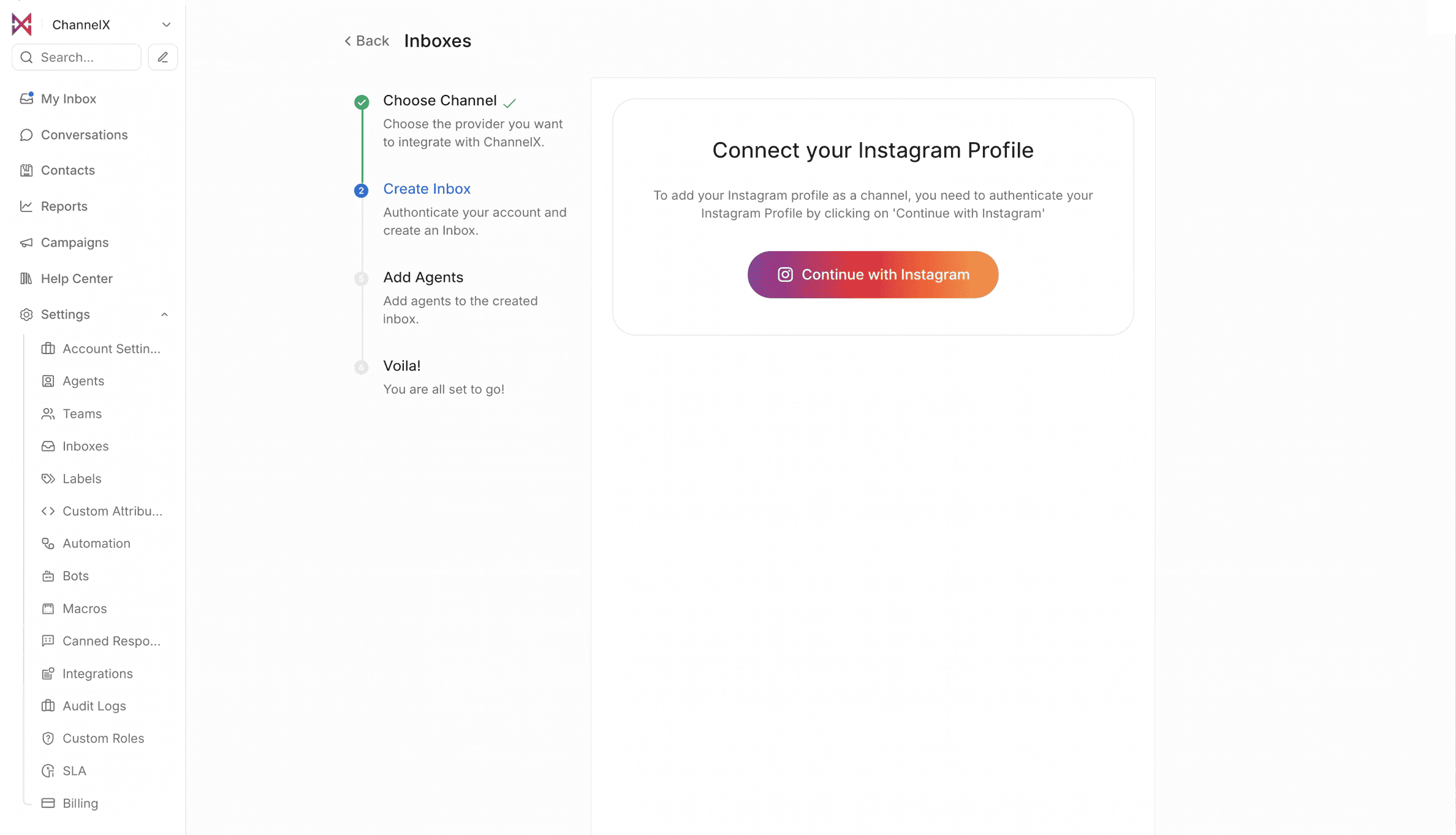
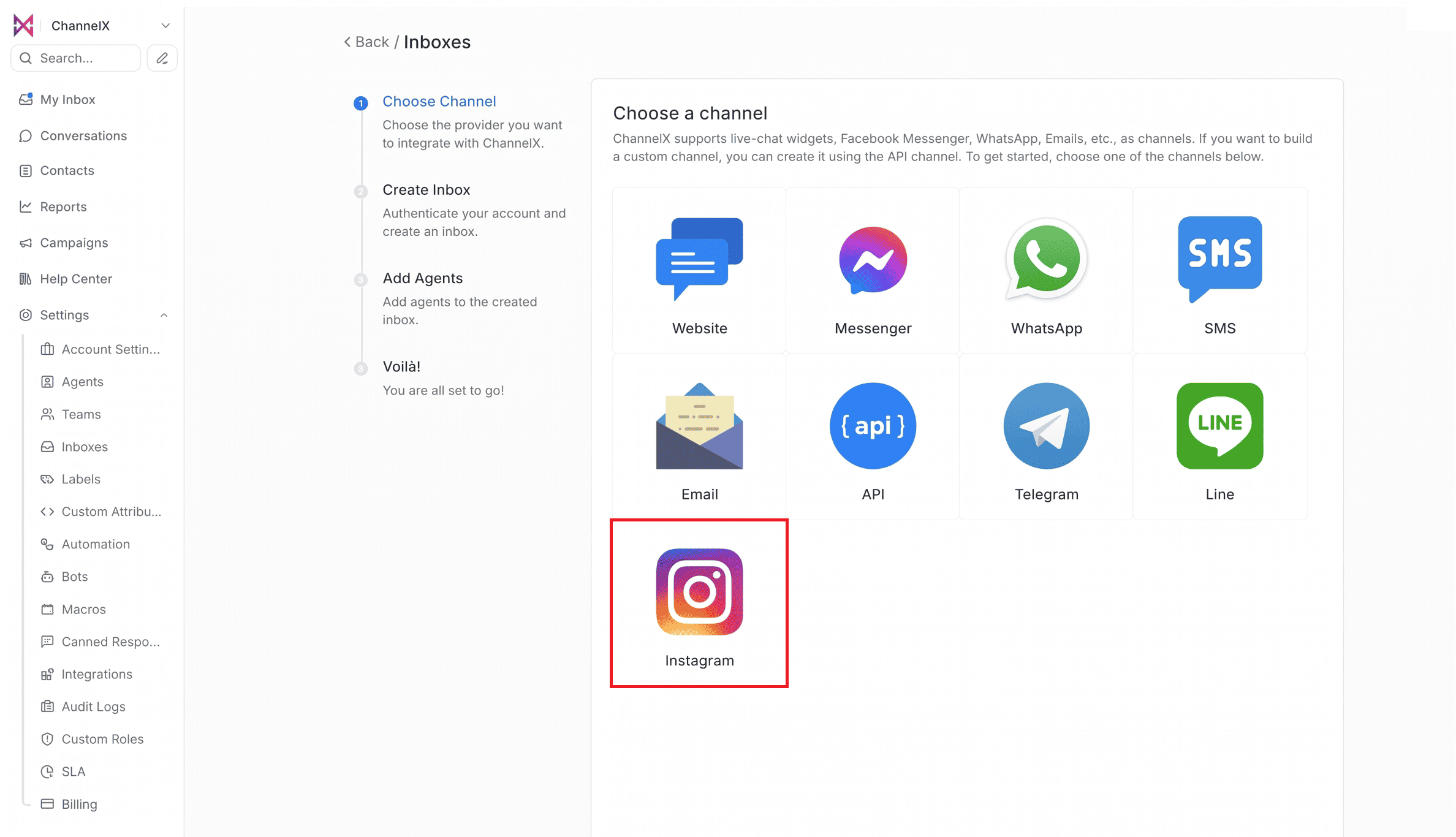 2. Click Continue with Instagram.
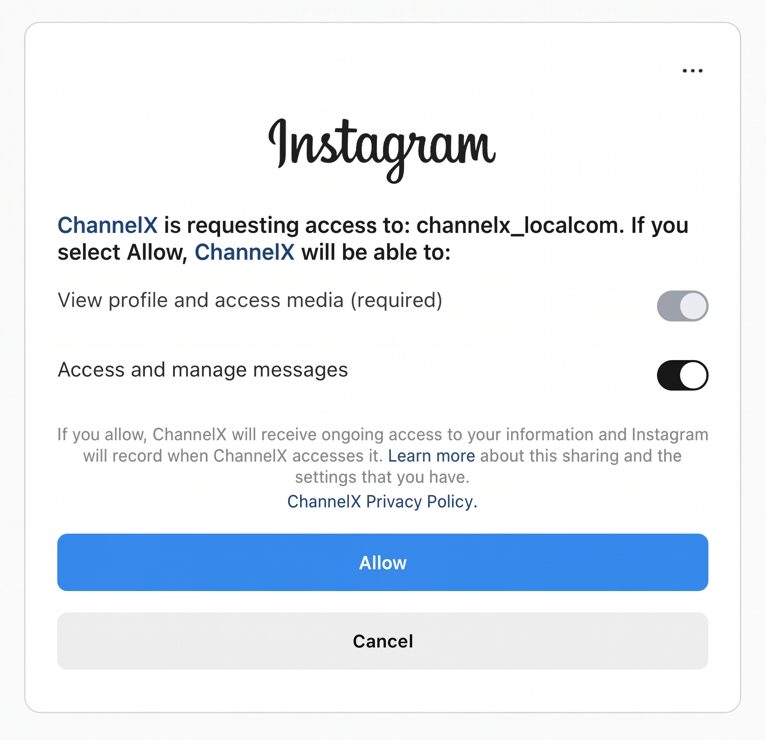
 3. Enable Access and manage messages and click Allow to authorize ChannelX.
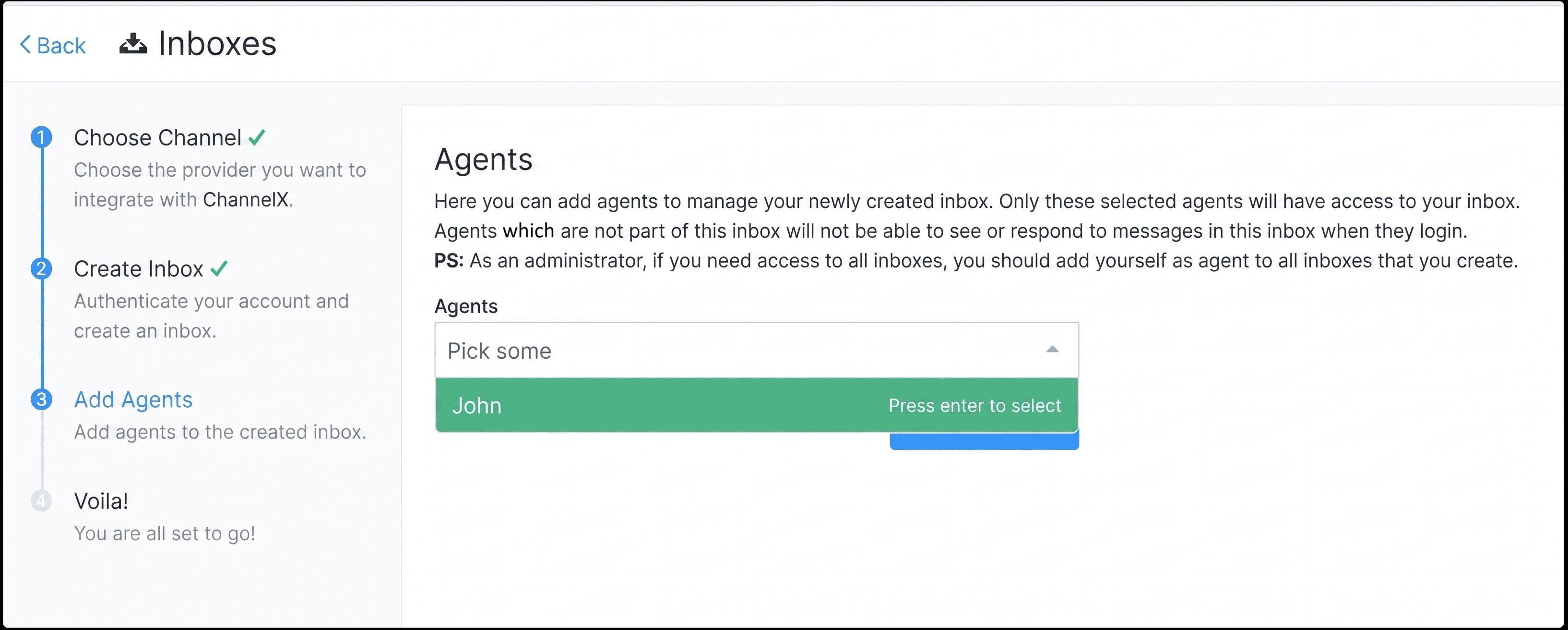
 4. Add agents to the new Instagram inbox.
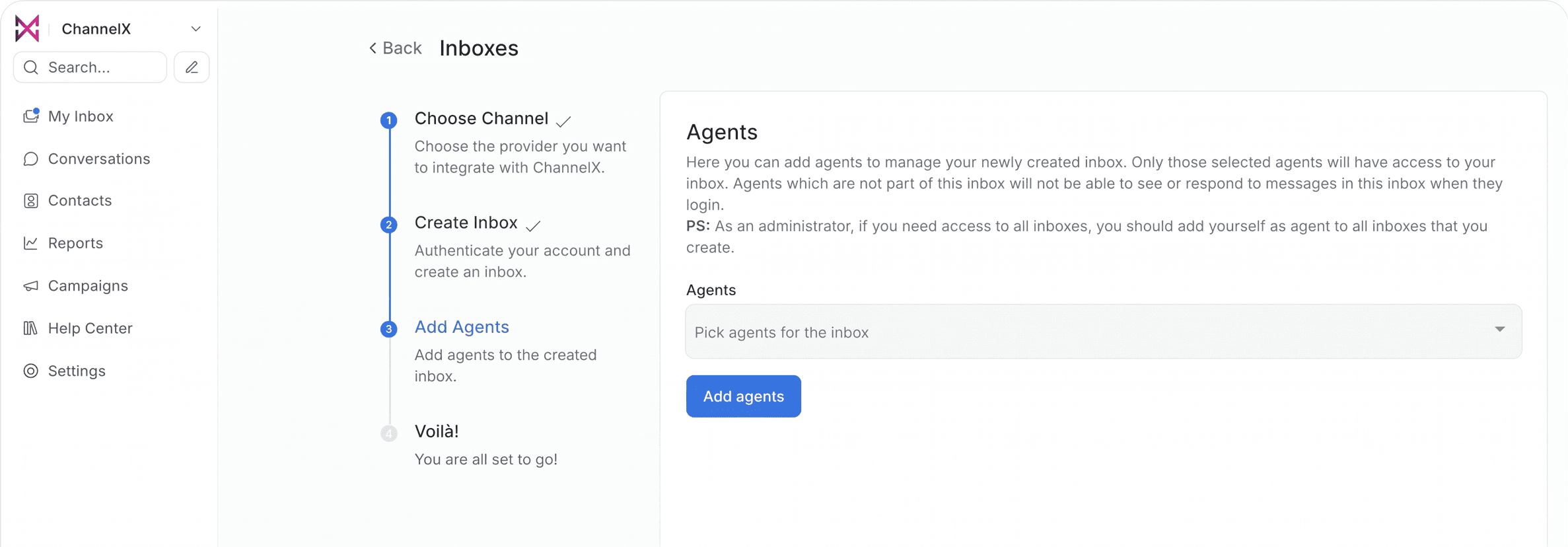
Once connected, any message sent to your Instagram account appears in ChannelX for your team to answer.
Connect via Facebook Login
This method links Instagram through a connected Facebook Page.
Prerequisite: connect your Page to Instagram
Make sure your Facebook Page is connected to your Business Instagram account:
- Open your Facebook Pages list.
- Select your Page and go to Settings.
- Choose Instagram and connect your business account.
Create the inbox
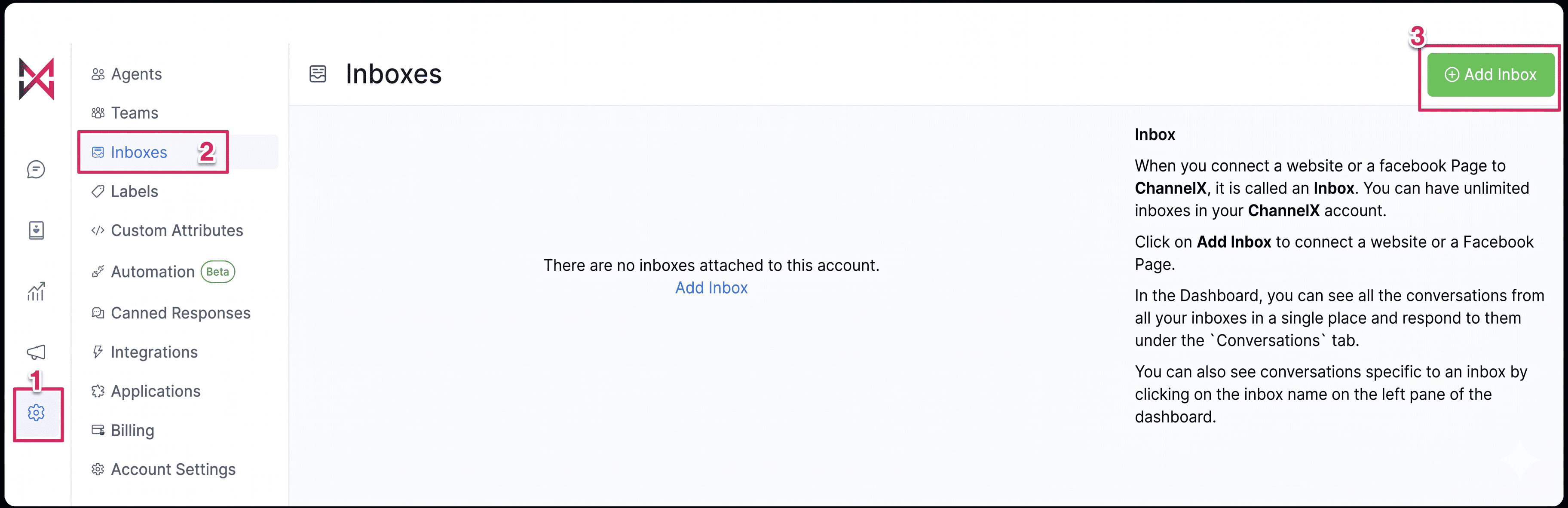
- Go to Settings → Inboxes → Add Inbox.
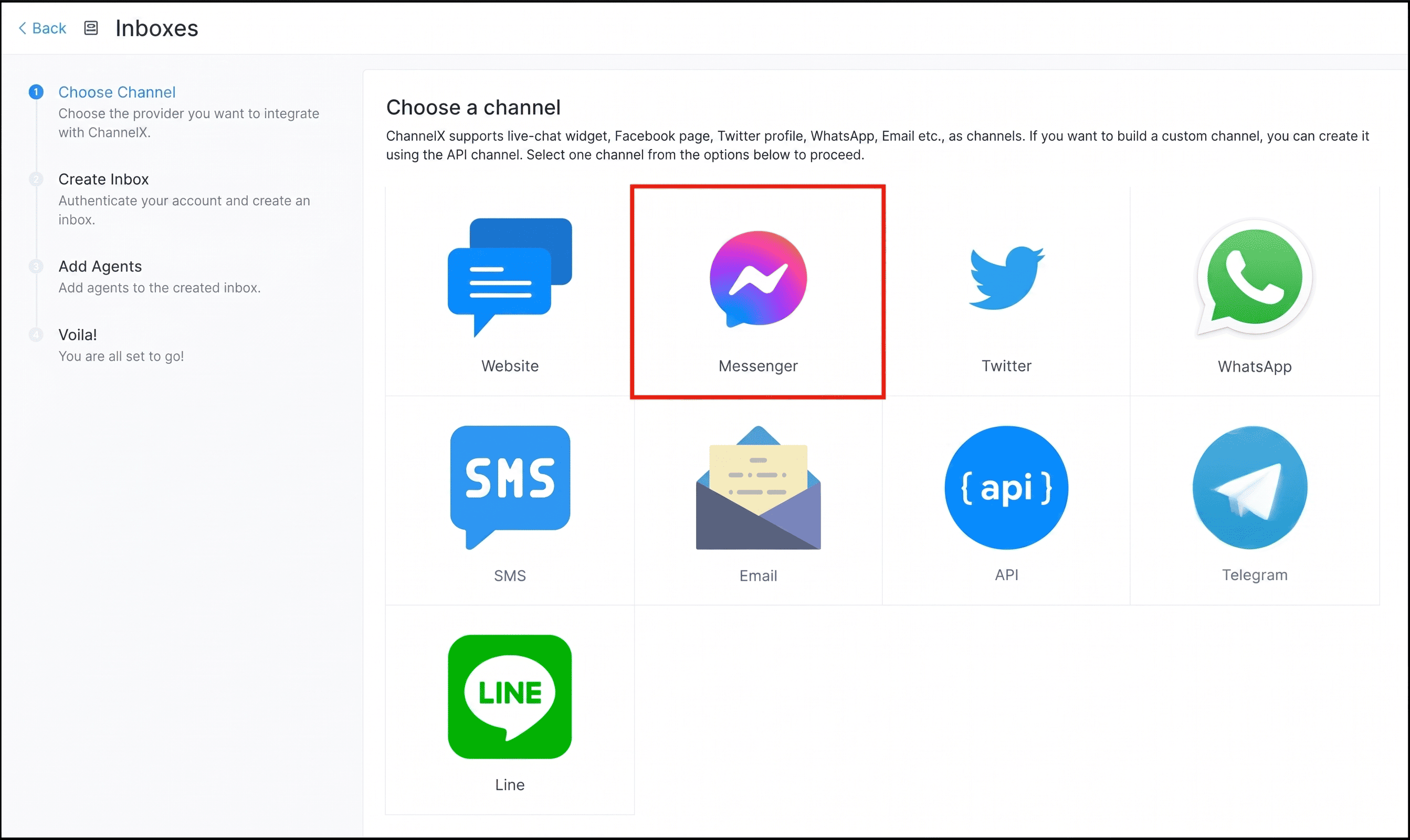
 2. Click the Messenger icon.
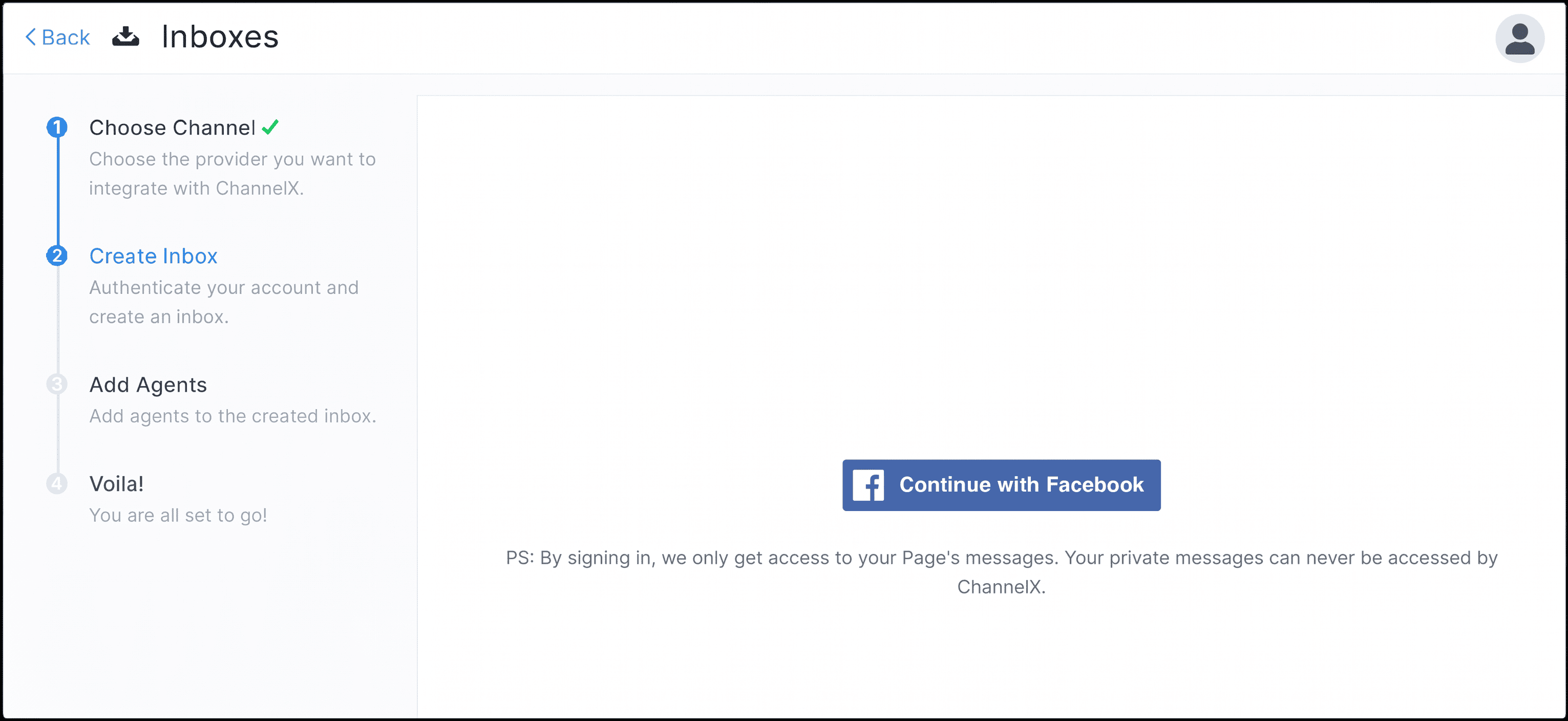
 3. Click the Facebook login button and sign in.
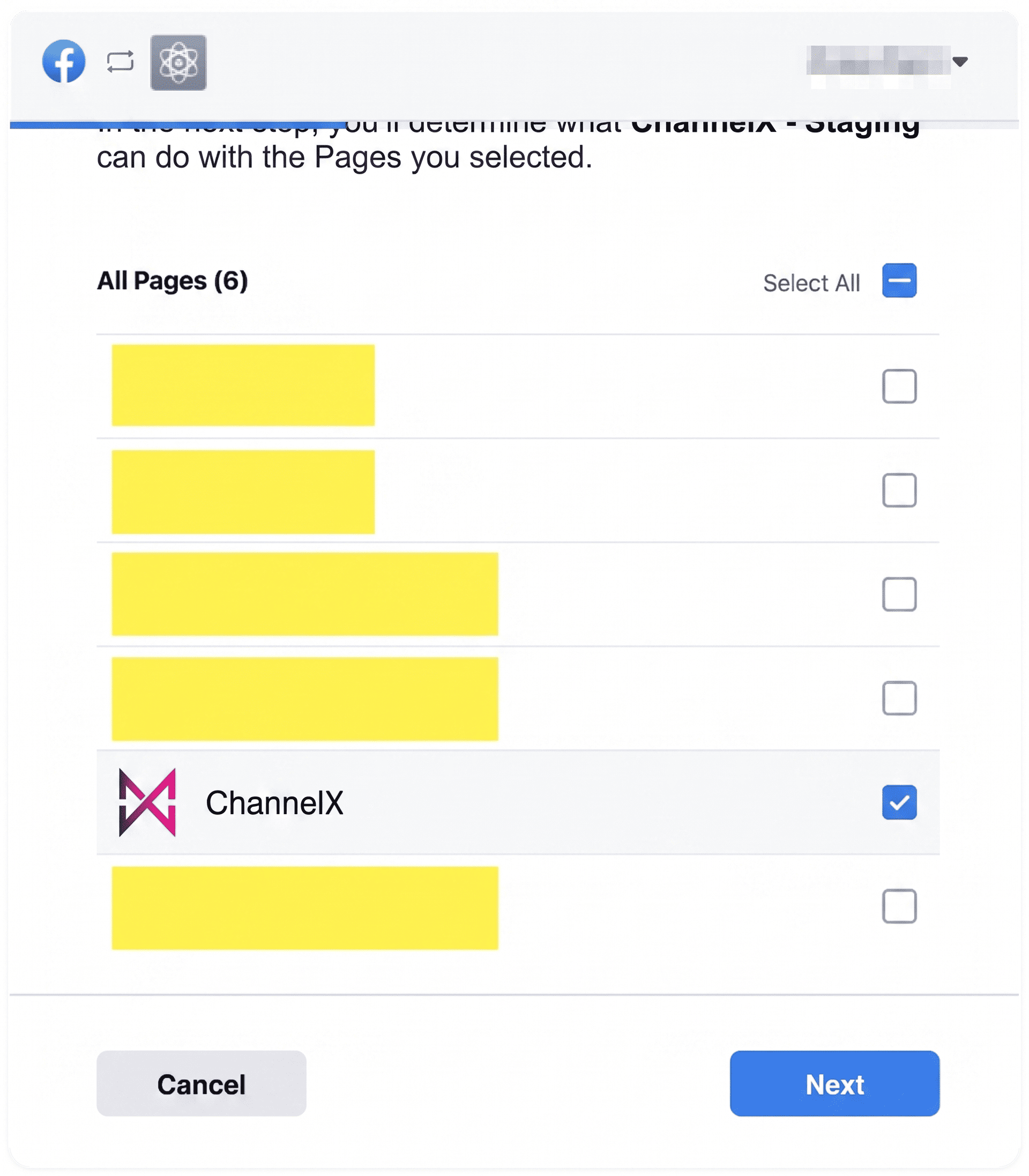
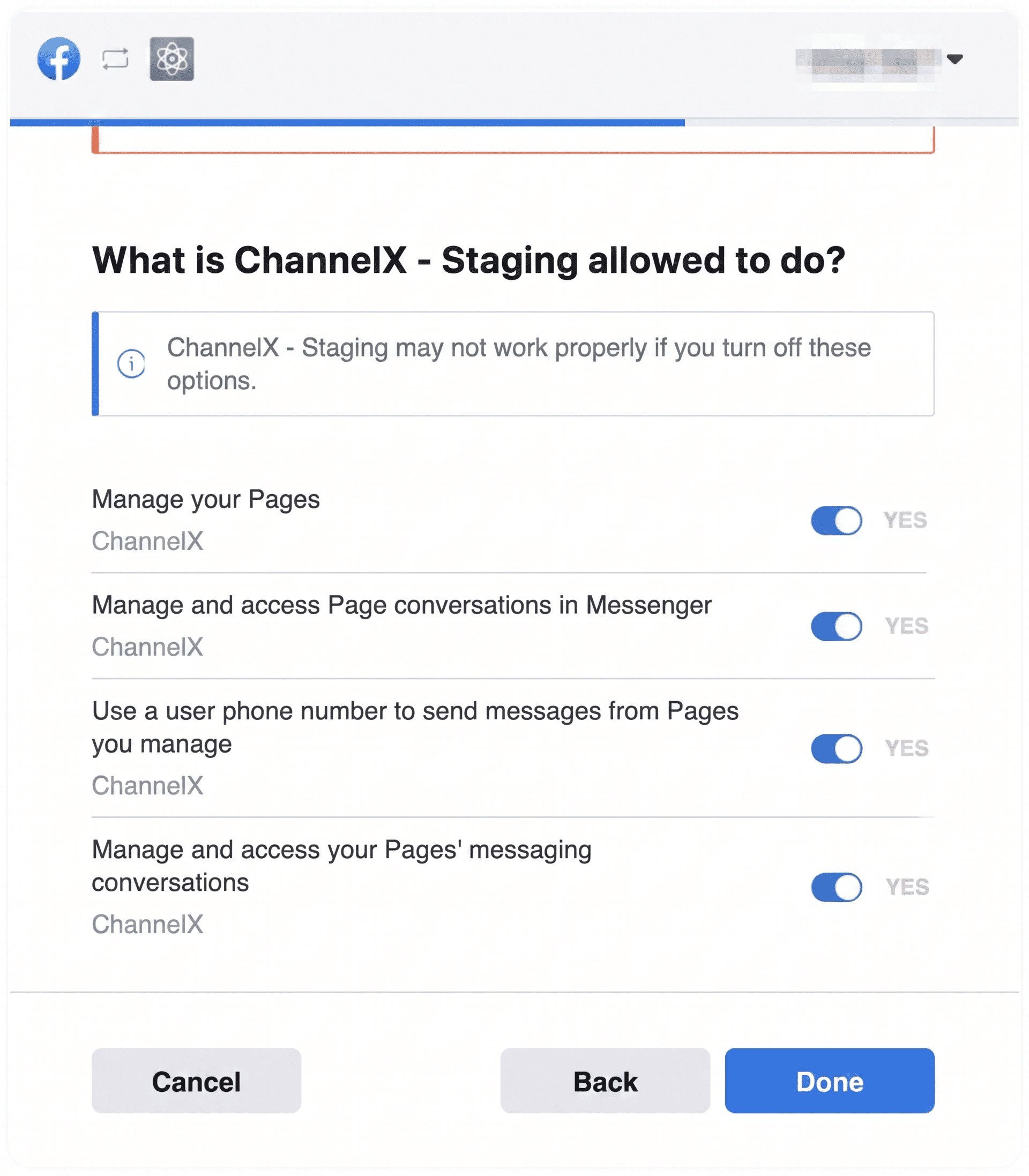
 4. Authenticate with Facebook, select your Instagram account and the Page you want to connect, and grant all of the permissions shown.
 5. Add agents to the Instagram inbox.
Human agent tag
By default, businesses can reply to an Instagram user only within 24 hours of that user's last message. The human agent tag extends this: when a human agent applies it, you can reply for up to 7 days after the customer's last message.
This is useful when a conversation needs more time to resolve, for example:
- When your business is closed on weekends or holidays.
- For complex inquiries that take longer than a day to handle.
Note
On a self-hosted deployment, the human agent permission requires passing Meta's App Review before it becomes available. Confirm with your Localcom team whether this permission is enabled for your installation.